Property management software pricing
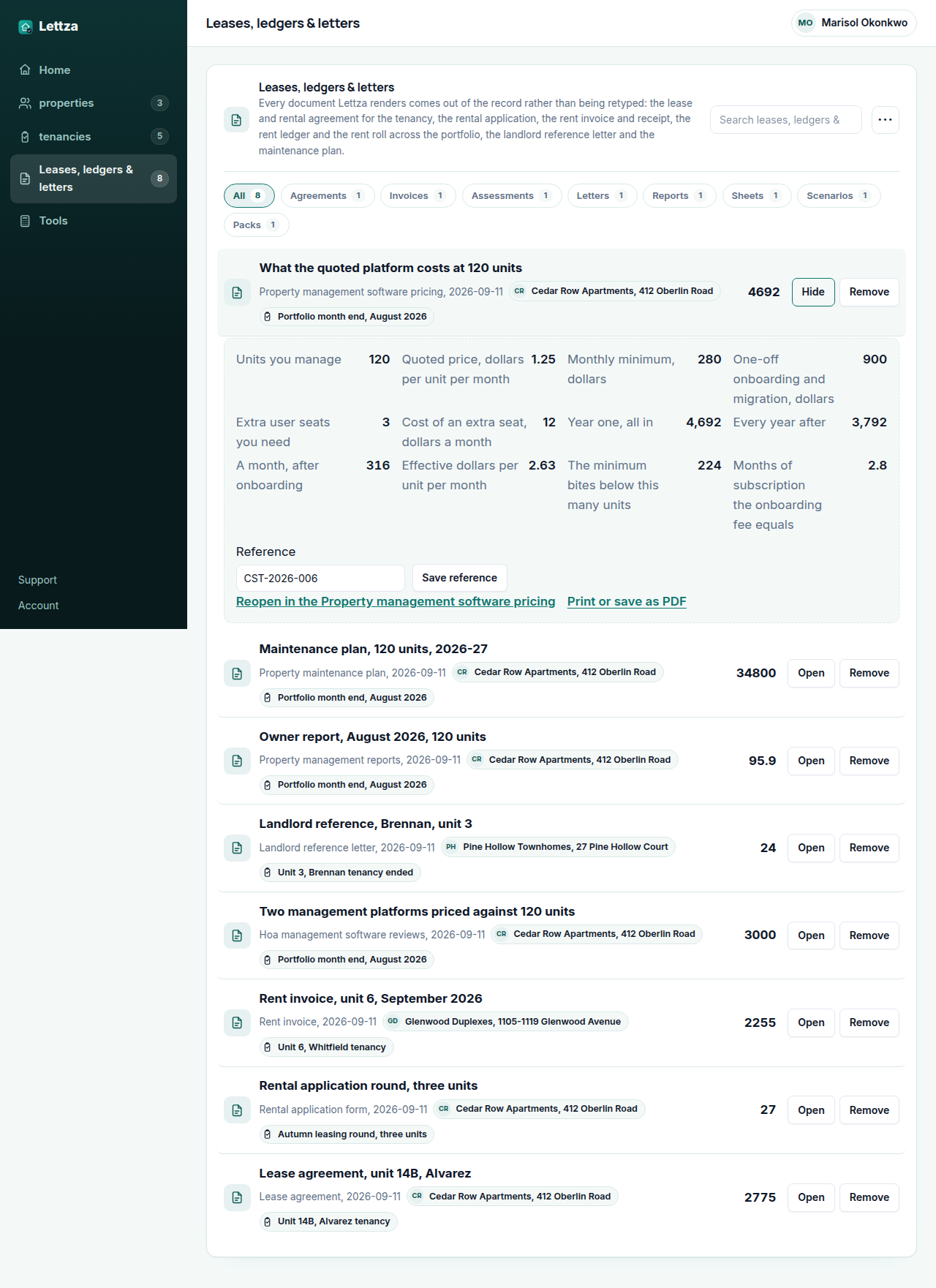
- Year one, all in
- 4,692
- Every year after
- 3,792
- A month, after onboarding
- 316
- Effective dollars per unit per month
- 3
Search volumes on this site are US monthly figures from our own keyword measurement; the documents and worksheets are built from the public sources named on each page.
The figures above start from a worked example (4,692). Change any input and the answer updates as you type, the way it will on the day the tenancy actually starts.
Download the Property management software pricing worked example (CSV)
The property management software pricing calculator works out what the software will really cost you, which is almost never the headline price. Put in how many units you manage and how you expect that to move, the per-unit or flat monthly price you have been quoted, any monthly minimum, the setup or onboarding fee, the add-ons you would actually turn on, and the term. It returns the monthly cost now, the monthly cost at the unit count you expect to reach, the total over the term, and the cost per unit per month at both ends, so a per-unit price and a flat price can be compared as one number.
Where the constants in this tool come from
What the person managing the let asks before running the Property management software pricing
Why compare on cost per unit per month rather than the monthly price? Because the monthly price is not comparable between a flat plan and a per-unit plan, and the whole difficulty in this decision is that vendors quote both. Cost per unit per month is the figure that lets you put them side by side, and it is also the figure that tells you what happens when the portfolio grows, which is where per-unit pricing gets expensive and flat pricing gets cheap.
Should I include the monthly minimum? Yes, and it usually decides the answer for a small portfolio. A per-unit price with a monthly minimum is a flat price until you pass the minimum's unit count, and plenty of small managers pay the minimum for years without noticing. The calculator applies the minimum at every unit count so you can see where it stops binding.
What counts as an add-on I should cost in? Anything the quote treats as extra that you would switch on in the first year: screening, listing syndication, e-signature, payments, accounting sync, extra users. Leave out what you would genuinely not use. The point is to compare what you will pay, not the longest possible bill.
Lettza Pro
Keeping the rent against the tenancy that owes it
A worksheet answers the question in front of you and forgets it. A let does not forget: the lease has dates, the rent falls due every month, the arrears carry, and the work order raised in July is the one the owner asks about in October. Lettza Pro keeps every property, unit, lease and tenant, the rent charged and received against each, and every document rendered from that record rather than retyped into it.
- Save a worked rent change and compare it with what is on the lease now
- Put two rent or renewal scenarios side by side before you write to the tenant
- No Lettza name on anything you hand to a tenant or an owner
- Email the invoice, receipt or reference letter straight from the record
- Take rent by card or bank debit through your own Stripe account
- Send what you collect to your accounting software instead of retyping it
$49per month, whole team
Start Lettza Pro PricingLettza Pro is $49 per month and renews automatically each month on the day you started, until you cancel. The price and the renewal date are shown before you pay and again on your account page, and we email you if the price ever changes before it takes effect.