Hoa management software reviews
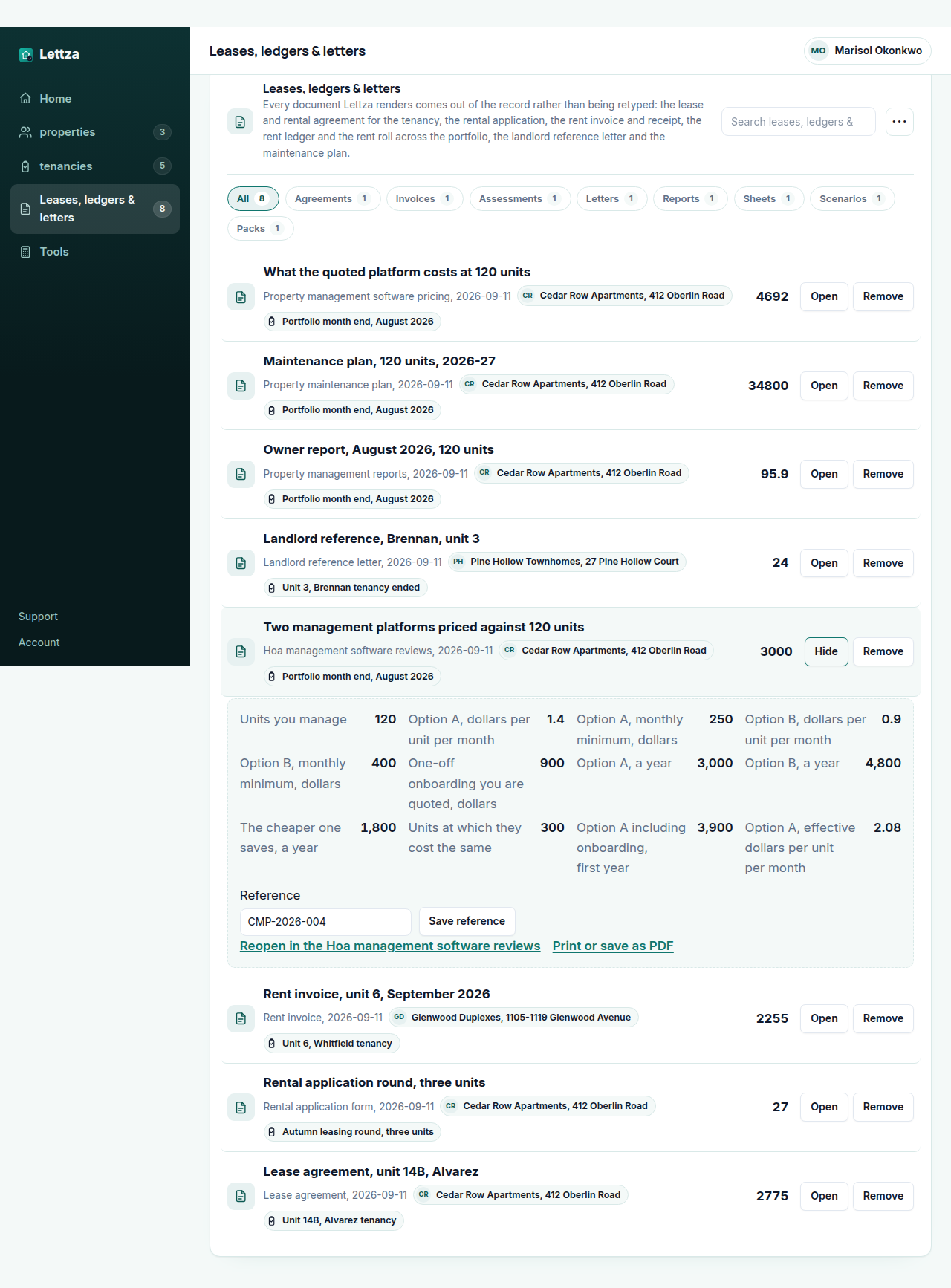
- Option A, a year
- 3,000
- Option B, a year
- 4,800
- The cheaper one saves, a year
- 1,800
- Units at which they cost the same
- 300
Search volumes on this site are US monthly figures from our own keyword measurement; the documents and worksheets are built from the public sources named on each page.
The figures above start from a worked example (3,000). Change any input and the answer updates as you type, the way it will on the day the tenancy actually starts.
Download the Hoa management software reviews worked example (CSV)
The HOA management software comparison worksheet is the sheet you fill in when an association board asks you to justify a choice: the number of units and the number of associations you manage, the jobs the software has to do, the per-unit or flat price each vendor quotes you, the setup cost and the term, and the things you would still be doing by hand afterwards. It puts the quotes you have actually been given side by side on one page and totals each over the term, so the comparison is between your numbers rather than between marketing pages. It does not rank vendors and it publishes no scores: the figures are the ones you enter.
Where the constants in this tool come from
What the person managing the let asks before running the Hoa management software reviews
Why does this sheet not rank the HOA software vendors for me? Because a ranking would be an opinion dressed as a measurement, and the answer genuinely depends on your unit count, how many associations you manage and which jobs you need. What is comparable is the quote each vendor gives you against the same list of jobs and the same term, and that is what the sheet lays out. If you want a review, read the people who have used it; if you want a decision, cost it.
What should be on the list of jobs before I compare anything? Whatever the board and the statute actually ask of you: assessment billing and collection, the ledger per unit, owner and board portals, violation and architectural request tracking, the reserve and operating accounts kept apart, meeting and document storage, and the reports the board expects. Write the list before you take the first demo, because otherwise the demo writes the list.
Does the price per unit or the flat price usually work out cheaper? It depends entirely on your unit count and how it will move, which is why the sheet totals both over the term you enter rather than telling you. A per-unit price that looks small is the one that grows with the portfolio; a flat price is the one you pay in full while you are still small. Put your real unit count in and the arithmetic answers it.
Lettza Pro
Keeping the rent against the tenancy that owes it
A worksheet answers the question in front of you and forgets it. A let does not forget: the lease has dates, the rent falls due every month, the arrears carry, and the work order raised in July is the one the owner asks about in October. Lettza Pro keeps every property, unit, lease and tenant, the rent charged and received against each, and every document rendered from that record rather than retyped into it.
- Download the document as a file to send to a tenant or an owner
- Your lease and rent roll without our name on them
- Save a worked tenancy and open it again next month
- Your business name and logo on every document you print
- Take every property, lease, ledger and document out at once
- Email the invoice, receipt or reference letter straight from the record
- Take rent by card or bank debit through your own Stripe account
- Send what you collect to your accounting software instead of retyping it
$49per month, whole team
Start Lettza Pro PricingLettza Pro is $49 per month and renews automatically each month on the day you started, until you cancel. The price and the renewal date are shown before you pay and again on your account page, and we email you if the price ever changes before it takes effect.